

OpenHouse
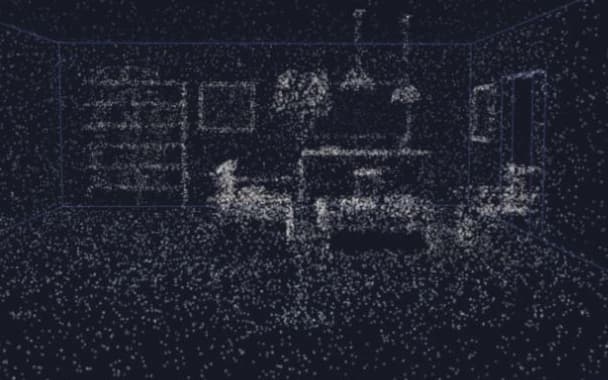
OpenHouse brings guided property capture, 3D reconstruction and browser walkthroughs into one product scope.
Explore project
Build custom project tools, customer portals and spatial applications around the way your property or construction business works.
Connect the records, decisions and physical spaces people need to understand throughout a project.
Map requests, reviews and updates into an application with defined responsibilities, records and status changes.
Scope a portal around the records customers, partners or staff need to use, with agreed access and ownership for each role.
Develop capture and browser-viewing prototypes to test how people capture and explore a physical property through software.
Start with a project workflow, a shared information tool or a prototype for capturing and exploring a physical space.
Map how a request, review or project update moves between people. Scope an application around the records, responsibilities and status information each step needs.
Build a portal for the project information customers or partners need to access. Agree who can see each record, how it stays current and what actions the interface supports.
Scope custom property-capture, reconstruction and browser-viewing products. Begin with a prototype and a defined technical question before planning the wider product.
We begin with the people using the application and the decision it should support. That determines whether the first step is an operational tool, a portal or a spatial product prototype.
How we workThe details that help us define the right starting point.
Yes. Choose a process with clear participants, records and decisions. We can define the application around that workflow and review any connections to existing tools.
We define the capture-to-viewing experience and the technical question a prototype needs to answer. That work informs the scope and priorities for the next product milestone.
We define the information and actions each group requires, then establish access, record ownership and the workflows supported for each role.
OpenHouse brings guided property capture, 3D reconstruction and browser walkthroughs into one product scope.
Explore project